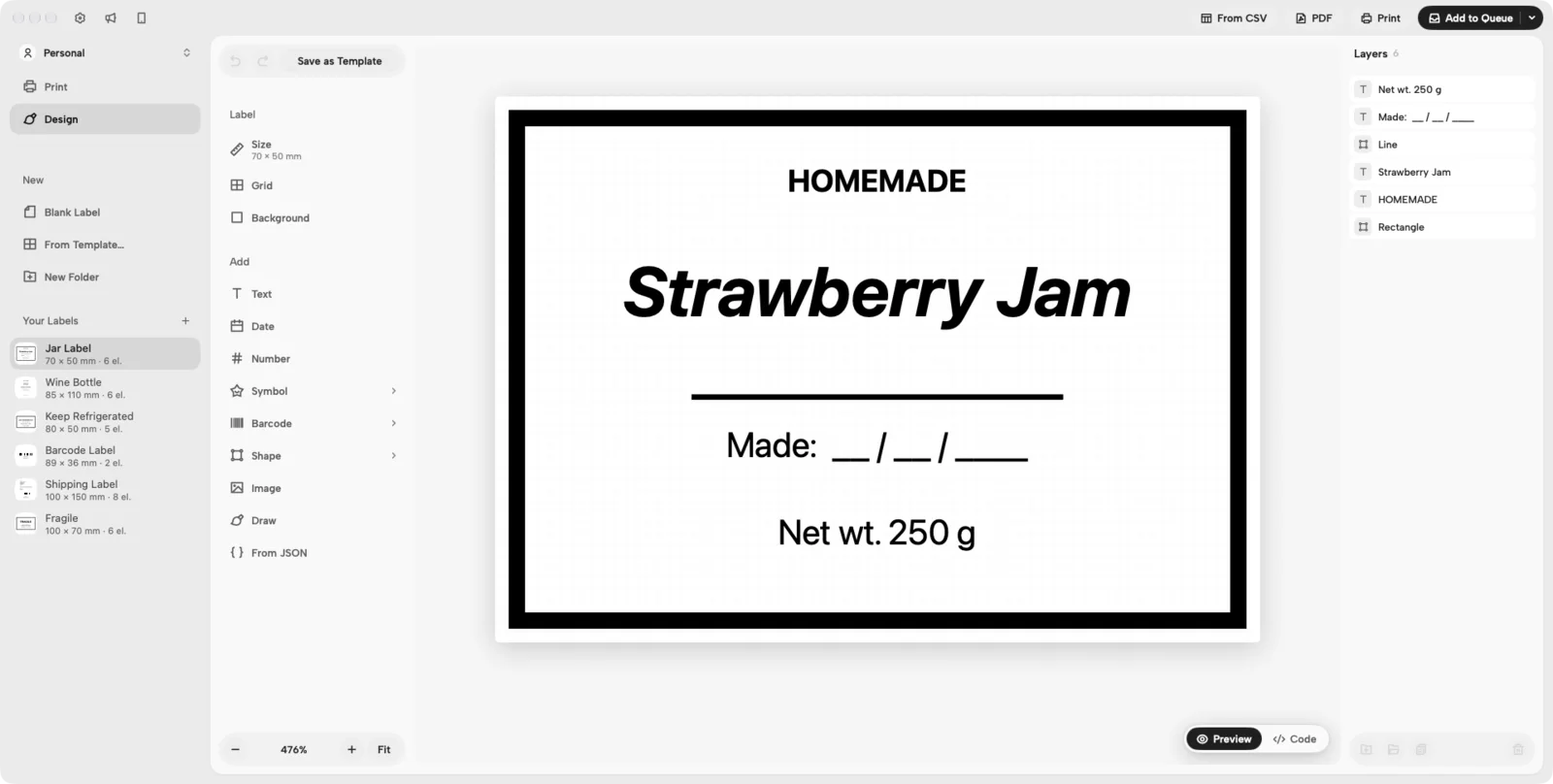
Everything the designer does
Built into the app that prints your shipping labels, so the same printer, presets and queue print these too.
Barcodes and QR codes
Code 128 for anything alphanumeric — SKUs, order numbers, asset tags. Code 39 where older scanners expect it. EAN-13 for retail, with the number printed under the bars. QR codes for links and text, with your logo placed in the middle if you want one. UPC-A, DataMatrix and PDF417 are not there.
Pictures that survive a thermal printer
A thermal printer prints black or nothing. Your logo or photo is turned into clean black and white with a threshold you set while you watch, and cropped to the part you need — no grey mush on the roll.
Dates, times and running numbers
Put today's date, a date several days ahead (a best-before), the time, or a running number anywhere in a text. Print a series and the number counts up label by label from wherever you start.
One label per row of a spreadsheet
Export a CSV from Numbers, Excel or Google Sheets — comma, semicolon or tab, whatever your Excel wrote — and map its columns onto the design. Names, prices, SKUs, addresses: one label per row, printed as a batch.
48 templates to start from
Shipping, product, food, retail, office, personal, event and industrial labels: jar and wine labels, coffee bags, candles, spice jars, best-before and allergen labels, price tags, asset and inventory tags, badges, tickets, fragile and this-side-up. Save your own as templates too.
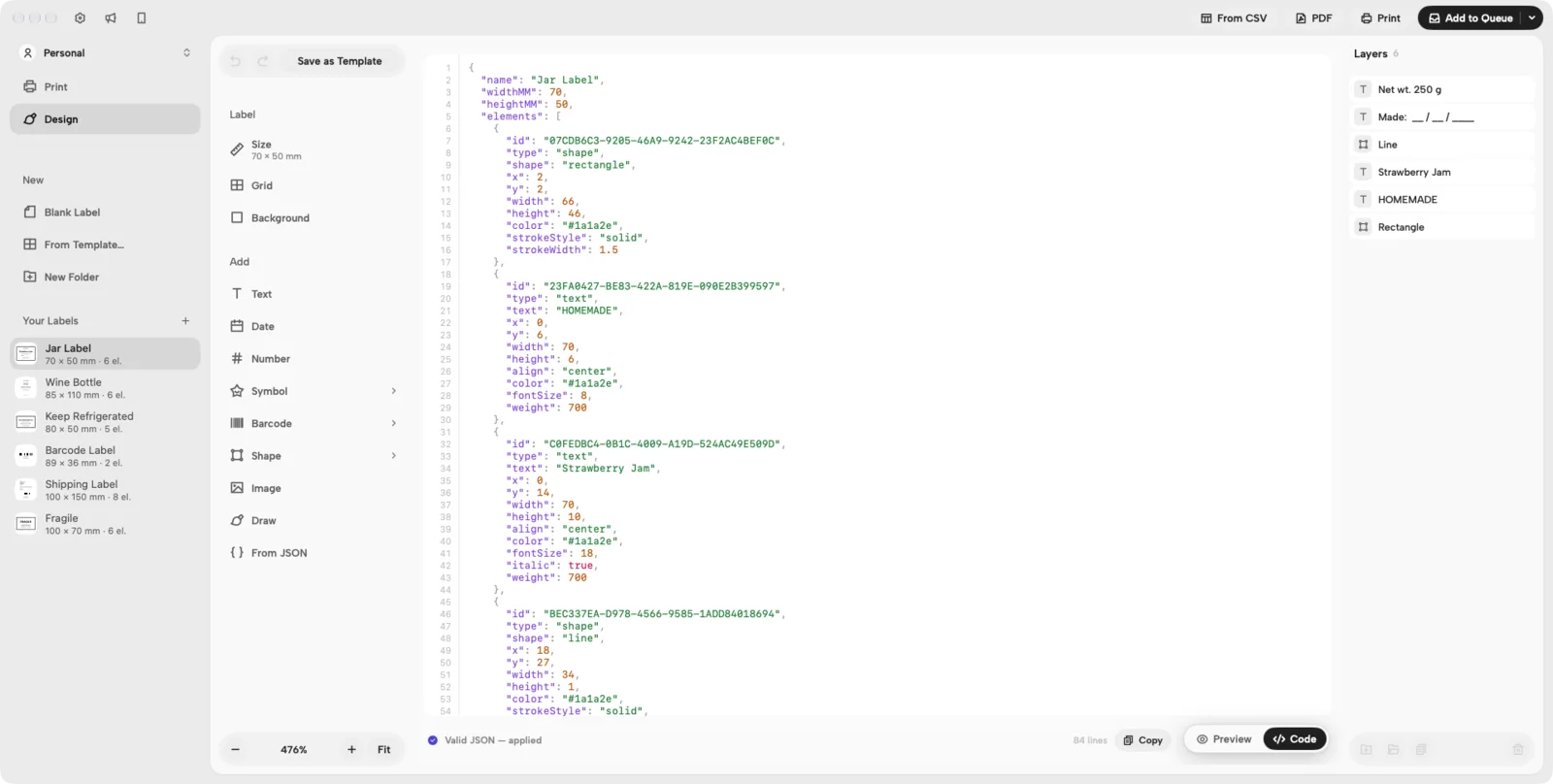
Describe it to an AI instead
Copy the prompt from the app into ChatGPT, Claude or Gemini, say what the label should show, and paste the answer back: the label appears in the designer with every part still editable.
A real editor
Text in any font on your Mac, shapes with dashed or dotted strokes and fill patterns that print cleanly, symbols, a pencil and a ruler line, layers you can lock and group, guides that snap things into line, and undo for everything.
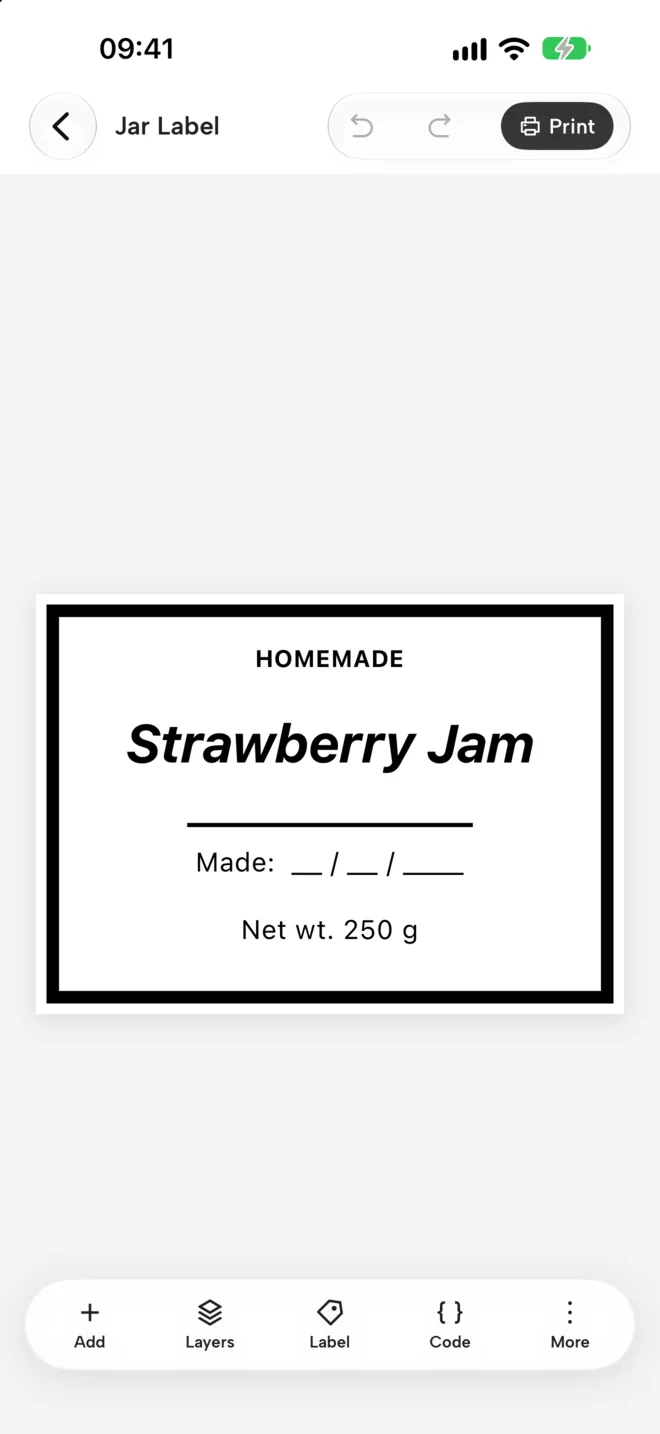
On the iPhone too
The same designer with your finger on LabelPrint for iPhone. Your labels sync between the phone and the Mac through your own iCloud, and the Mac prints what you send from the phone — the iPhone never needs to talk to the printer.